The top Android video chat applications for 2022

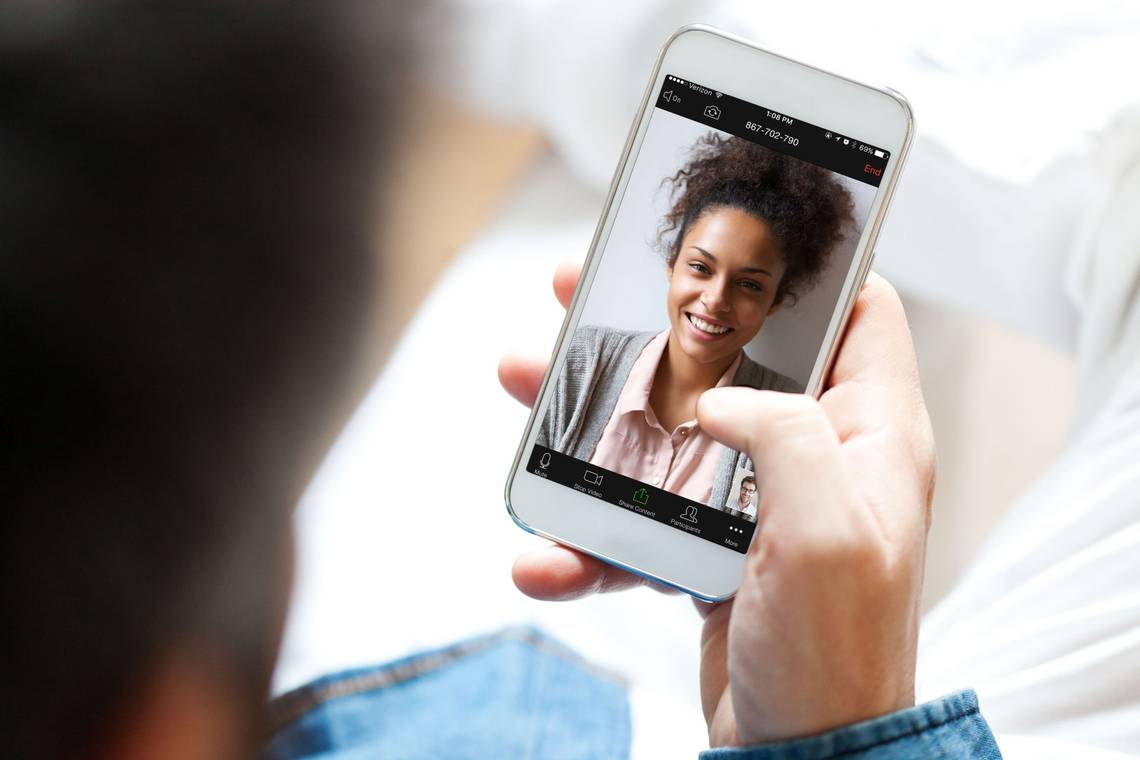
Online activity is not complete without social messaging. Calls can be answered and ended at any time, and texts can be sent to anyone in the world. These social networking platforms have been embraced by businesses. There could be a variety of social apps on the phones of your family and friends. While finding messaging platforms is simple, finding video chat platforms might be more difficult.
Obstacles in video chats include participant caps, unreliable server connections, and the inability to enter and exit calls easily. We compiled a list of the top social messaging apps made to deliver high-end video chatting and messaging experiences on your preferred Android phones to help you get started.
Google Meet
One of the best apps for group video conversations is Google Meet. The sound and video quality of calls you place with Google Meet are excellent, and there is little to no lag. While on a call, Google Meet has a family mode that lets you take photos and draw, add masks, and experiment with fun effects.
Anyone with a Google account can set up a session that can accommodate 100 participants for an hour, and all you need to do to join is share the host's unique link. Look into a Google Workspace package if you want a more comprehensive call experience that accommodates bigger enterprises and schools. A teleconference is held using these premium plans for 500 participants and 100,000 spectators.
Google Meet, which has taken the place of the previous Google Duo app, still offers a fantastic experience appropriate for your home, place of business, and neighborhood.
Viber
With the all-in-one social app Viber, you can communicate with your connections via text and video calls, use end-to-end encryption for messages and voice and video chats, and place VoIP calls at a reasonable rate to landlines and mobile numbers. For video calls, you can choose any of your contacts or create a group video call with 39 people, which is more than most.
A great alternative to Telegram and Whatsapp is Viber, which offers complete accessibility and privacy for every call you place.
Zoom
You may not always have enough time to organize and set up meetings. Zoom is useful in this situation. Similar to Google Meet, Zoom allows anyone with the invite link to join a meeting (no account is required to participate when joining through the web version).
Your video conferencing calls can be changed to HD, with a default resolution of 720p or 1080p for paid accounts. The ability to record meetings through the app and upload them to the Zoom cloud is another fantastic feature. You may then watch, distribute, and download the recording whenever it's convenient for you. Never again skip a meeting at work or an interview!
Telegram
Telegram is one of the greatest social apps you can find if you value privacy and speed for all of your activities, including file sharing and social chat. Telegram syncs throughout all of your devices, allowing you to move between them without losing track of your social activities.
Your whole chat history can be stored without restriction and without taking up any space on your device because it all goes onto Telegram's cloud storage. However, Telegram's key feature is how everything—including video calls—is encrypted. You may choose between portrait and landscape modes for video chats, start group calls, and set an overlay while using other mobile apps.
Tango
You might want to make a change but lack many existing friendships and communities with which you can interact socially (or you have but are looking for more). Tango can help you meet new people if you're ready to put yourself out there. Tango aspires to be a livestreaming haven. Global livestreamers can be connected to and interacted with, but Tango also offers the necessary video calling features for your contacts.
Consider searching for a safe messaging software that offers a straightforward video call feature for your pals. Whatsapp can only accommodate eight users at once, which is ideal if all you want to do is have a quick facetime chat with relatives and friends who might be away. Whatsapp is still widely used and is already installed on many devices. Whatsapp is a reliable and secure chat program that you should add to your collection. You can easily find other users.
Discord
Another all-encompassing social messaging platform is Discord, where you may engage in group conversations, voice channels integration, community participation, and one-on-one calls. As a Nitro user, you can stream in 720p by default or pay for a higher resolution at 1080p with greater FPS. In server channels or through contact messaging, you can host video calls.
Discord has a lot to offer, whether you're seeking for a tailored experience with a small group of friends, participating in a class or study group, or simply gaming in a community.
Messenger Lite
The condensed version of Facebook's Messenger program, known as Messenger Lite, nevertheless has all of its essential functions. The installation on Android takes up very little storage space—just a few MB. By picking a topic or contact, you can start a video call from there. It's really easy to switch to video while you're still on an audio call when you're in the app. It does not, however, include all the capabilities from the full version, but enough to enable face-to-face calls with family and friends.
Microsoft Teams
Are you looking for a group chat and team meeting app with the ability to add private groups for your loved ones and friends? Microsoft Teams provides you with all the resources you need to maintain great collaborations, whether they are for professional meetings, team projects with your coworkers, or remotely planning a get-together with your loved ones.
Any of your group chats may be turned into video calls, and the dashboard function allows you to access all shared content even when you're not on a call. Microsoft Teams is the preferred option for big businesses since you can hold secure conference calls without worrying about your data and privacy being compromised with any external partners. To access commercial features, you must purchase a Microsoft 365 commercial membership.
Signal Private Messenger
From the beginning, Signal featured built-in privacy options. You won't need to worry about your data being tracked while you're having private discussions, and you can take advantage of all the free features of instant messaging, including file sharing, text messages, and video calls. When the unique sound prompt appears, you'll know who you're talking to because you can customize the audio for each contact.
Additionally, even with a slower connection, message delivery is unaffected. Signal is designed to send messages quickly and securely. The only restriction is that Signal must be used by your contacts. You may need to make preparations before downloading the app because other SMS apps won't function with it.
Valuing your social privacy
There are numerous possibilities for your primary video chatting app, but the best way to know which one is right for your lifestyle is to determine what you need in an app. The top social messaging apps use end-to-end encryption to protect your discussions, which means no one can listen in on your talks. Your privacy is important both online and offline, perhaps even more so.
And if you're on a tight budget and still unsure which program to use, you can always start with the top free Android video calling applications before upgrading.